Walk into an American office in the 1970s, and you’d probably hear the clacking of typewriters, the ringing of desk phones, and the occasional whir of an adding machine. Filing cabinets lined the walls, secretaries kept track of appointments in paper calendars, and getting a document from one department to another sometimes meant physically walking it down the hall.
Of course, office workers still write letters, manage records, schedule meetings, and crunch numbers today. What’s changed is how much work goes into getting those things done. Computers, email, spreadsheets, and cloud storage have eliminated countless little tasks that once took up entire afternoons. And while technology has created its own headaches, at least nobody has to retype a three-page memo because of one unfortunate typo.
From carbon paper to interoffice envelopes, here are 12 everyday office tasks from the 1970s that technology has largely made obsolete.
Retyping an Entire Page Because of One Mistake
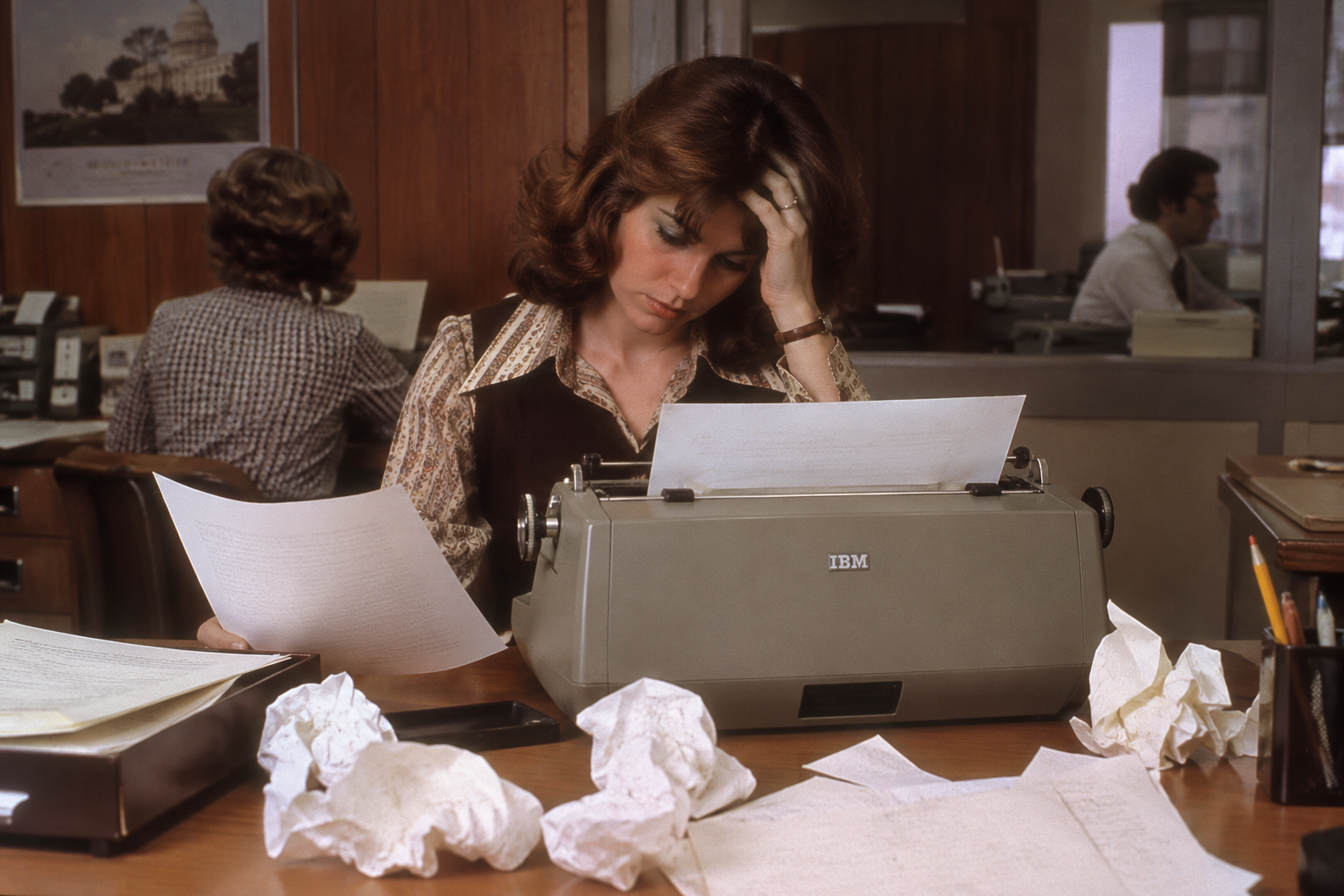
Before Microsoft Word and the backspace key, a typo could be a much bigger problem than a minor embarrassment. Office workers relied on correction fluid, erasers, and special correction paper to fix mistakes, but sometimes the only way to produce a clean document was to type the entire page again. IBM’s Correcting Selectric II, introduced in 1973, was a major improvement because it could lift typed characters off the page. Still, anyone who spent an afternoon typing a long report probably remembers the particular frustration of spotting an error in the very last paragraph.
Making Copies With Carbon Paper
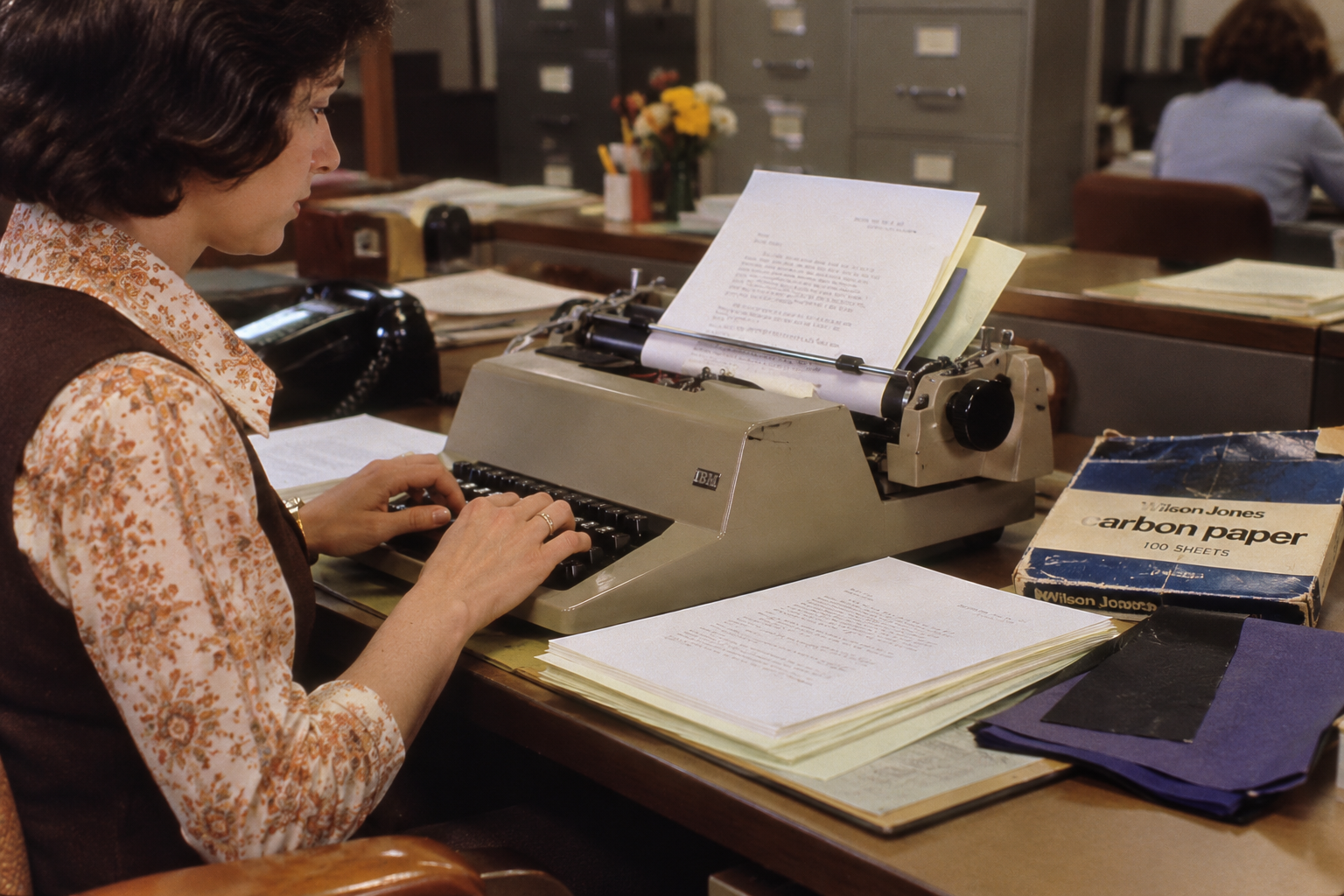
Long before attaching someone to an email thread, office workers used carbon paper to make multiple copies of the same document. Thin sheets of ink-coated paper were sandwiched between regular pages, allowing the pressure of a typewriter to transfer text onto the sheets underneath. It worked, although the bottom copies could be faint, and fixing mistakes across several pages was hardly anyone’s idea of fun. The practice became so ingrained in office culture that we still use the abbreviation “cc” in emails today. It stands for “carbon copy,” even though most younger workers have probably never handled an actual sheet of carbon paper.
Filing Paper Documents by Hand
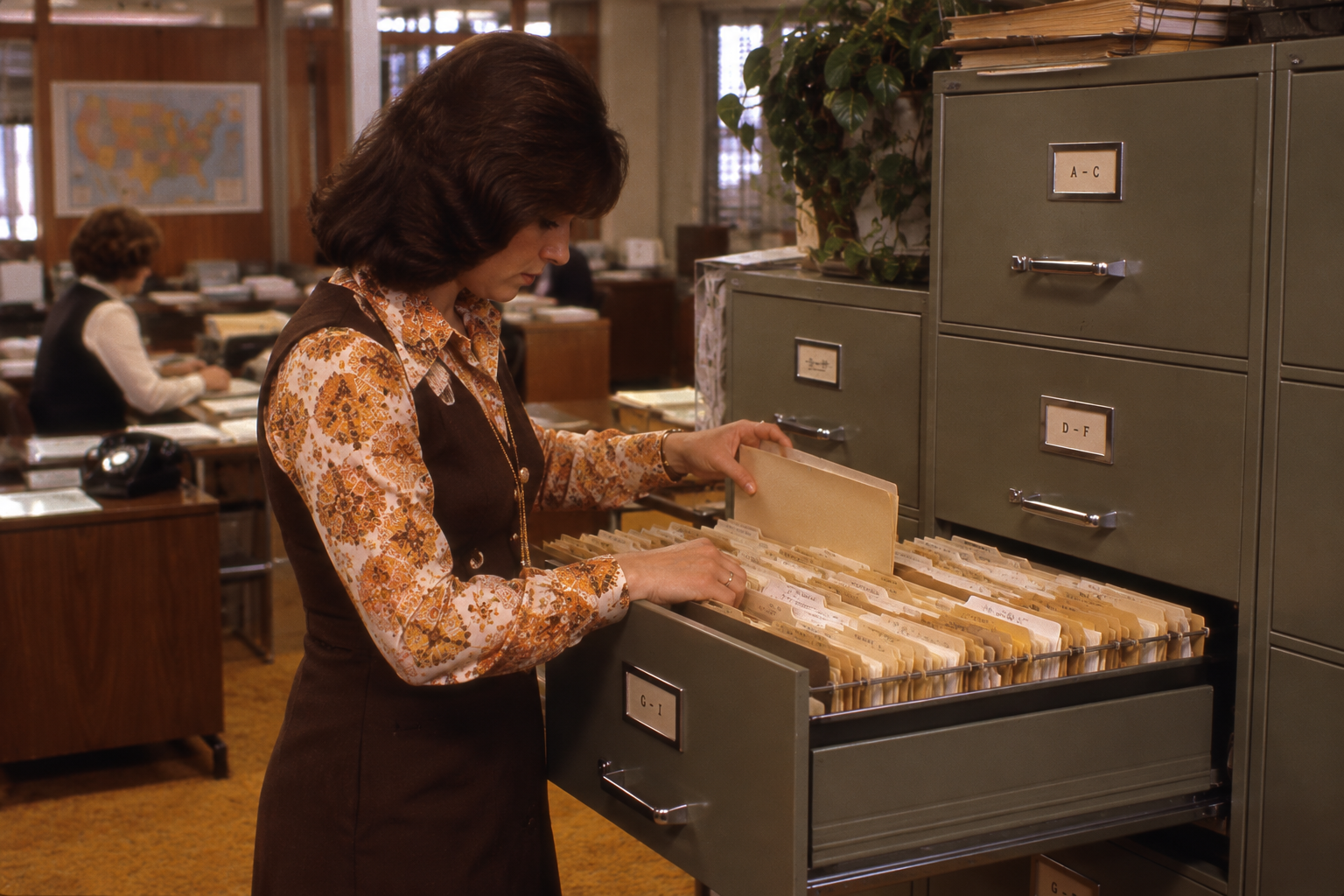
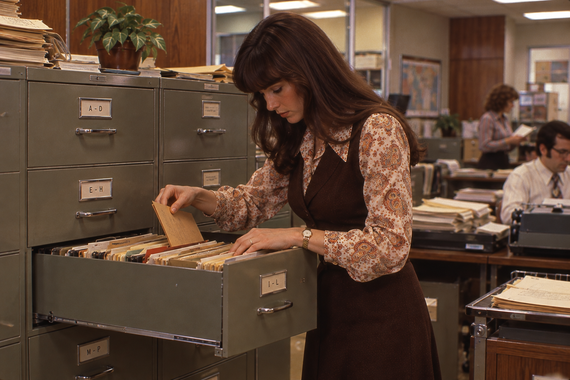
Invoices, correspondence, employee records, contracts, and practically every other piece of office paperwork needed somewhere to live. That usually meant folders, labels, and rows of filing cabinets that could take up an entire room. Someone had to sort each document, determine where it belonged, and physically put it away. The National Archives still provides guidance on managing paper records, but digital filing systems have transformed how most offices handle everyday information. Today, saving a document to a shared drive takes seconds. Back then, keeping everything organized could practically be a job of its own.
Looking Up a Phone Number in a Rolodex
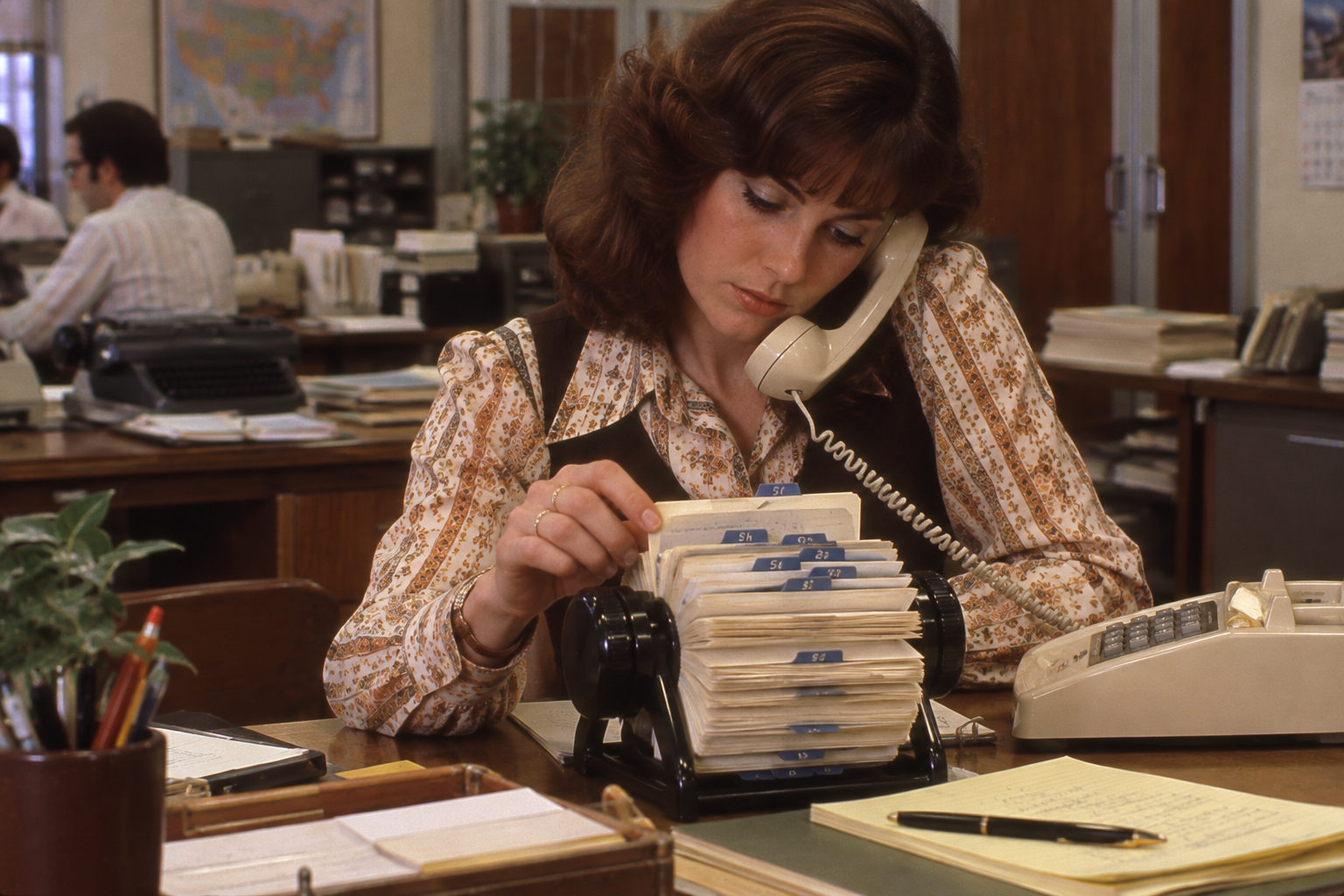
A well-maintained Rolodex was practically a professional treasure chest in the 1970s. Those rotating collections of index cards held phone numbers, addresses, job titles, and other important contact information, often accumulated over years of business relationships. Of course, keeping everything current was another matter. When someone changed jobs or moved offices, their card had to be updated by hand, assuming anyone remembered to do it. Today, smartphones and digital contact databases can store thousands of names and make them searchable in seconds. But there was something undeniably satisfying about flipping through a Rolodex and finding exactly the person you needed.
Taking Dictation and Typing It Up Later
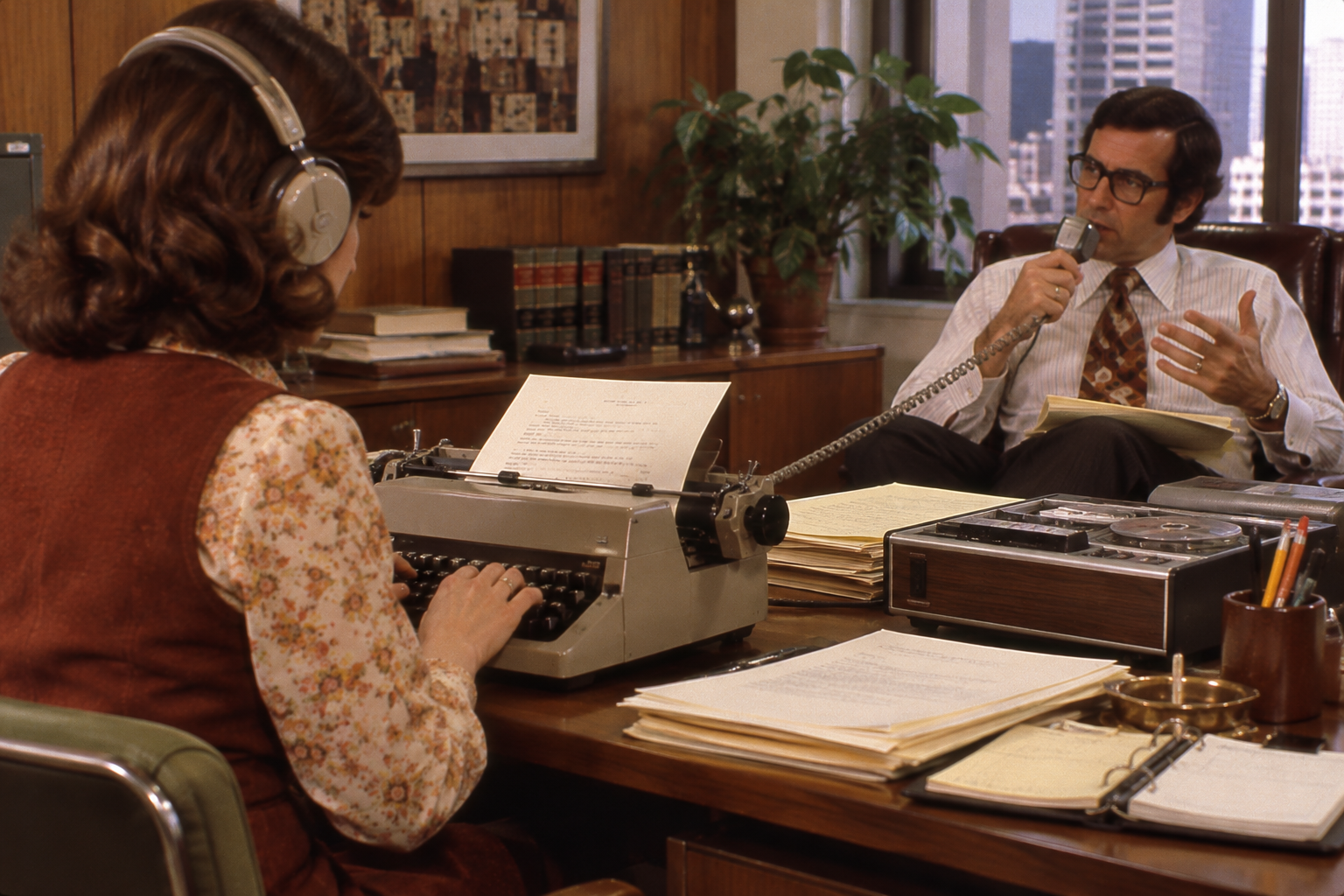
Writing a business letter could once involve two people and considerably more time than anyone would expect today. An executive might dictate a message directly to a secretary or record it using a dictation machine, leaving someone else to transcribe, type, proofread, and prepare the finished document. Depending on the office, shorthand skills could be just as important as typing speed. Today, email, speech-to-text software, and automatic transcription tools allow people to produce their own correspondence almost instantly. The job of turning someone else’s spoken words into a polished memo hasn’t completely disappeared, but it’s no longer a routine part of most office work.
Trending on Cheapism


Sending Memos Through Interoffice Mail
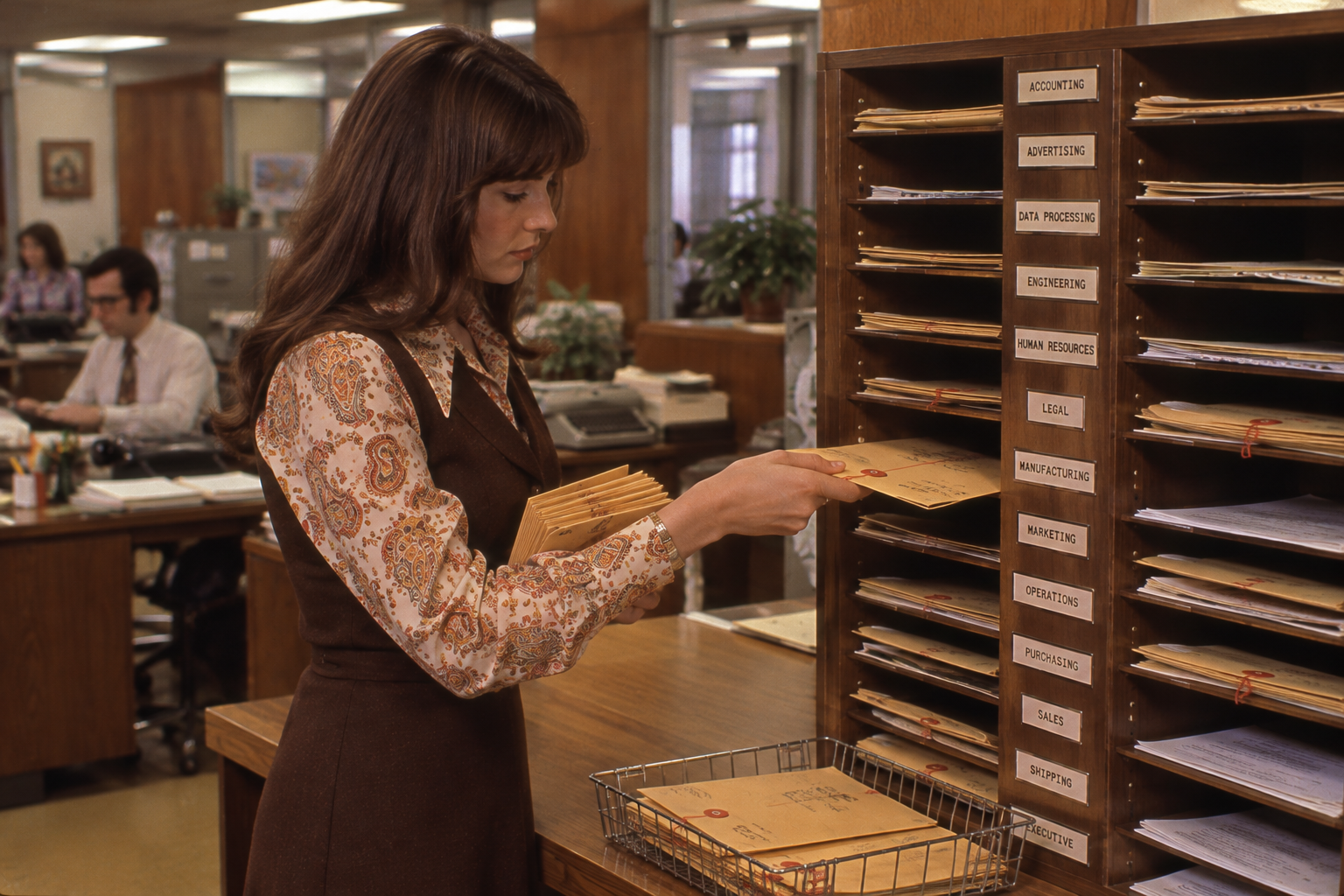
Need to get a memo to someone on another floor? In the 1970s, you couldn’t just fire off an email or send a message on Slack. Instead, offices often relied on reusable interoffice envelopes, complete with spaces for names, departments, and routing instructions. Documents traveled from desk to desk through internal mail systems, sometimes passing through several hands before reaching their intended recipients. The envelopes themselves could become covered in crossed-out names and handwritten directions. Today, the same information can reach an entire department with a single click, although that hasn’t necessarily stopped people from taking three days to respond.
Doing Business Math on an Adding Machine
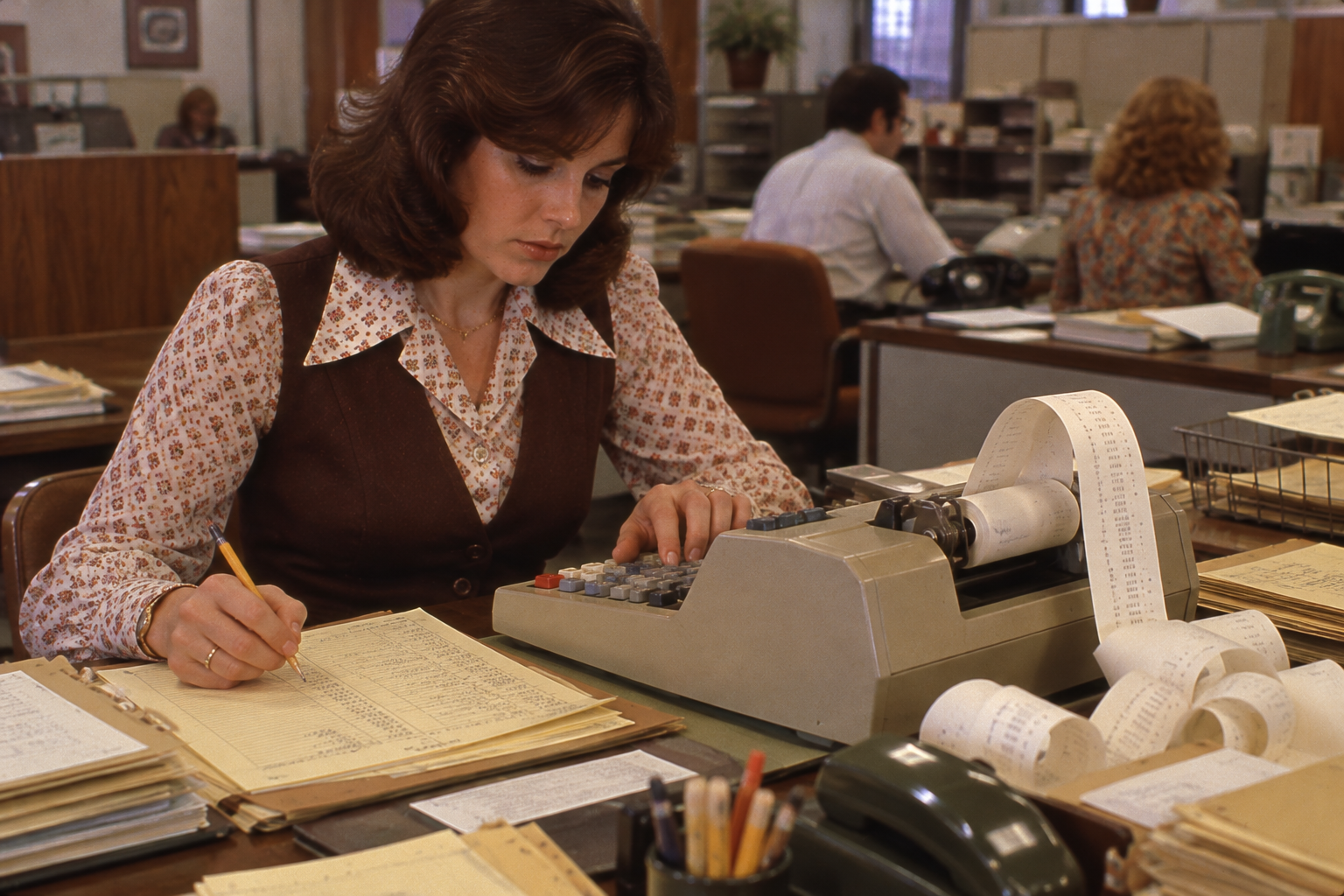
Before spreadsheets did the heavy lifting, office accounting involved plenty of buttons, paper rolls, and careful double-checking. Adding machines and desktop calculators were used to total invoices, calculate expenses, prepare payroll, and work through budgets. Many printed their calculations onto narrow strips of paper, giving workers a physical record to review. The real headache came when something changed. Adjusting one figure in a budget could mean recalculating several other totals manually. Today, Excel and accounting software can update entire worksheets automatically, making it difficult to imagine how much time office workers once spent simply adding numbers together.
Physically Cutting and Pasting Documents
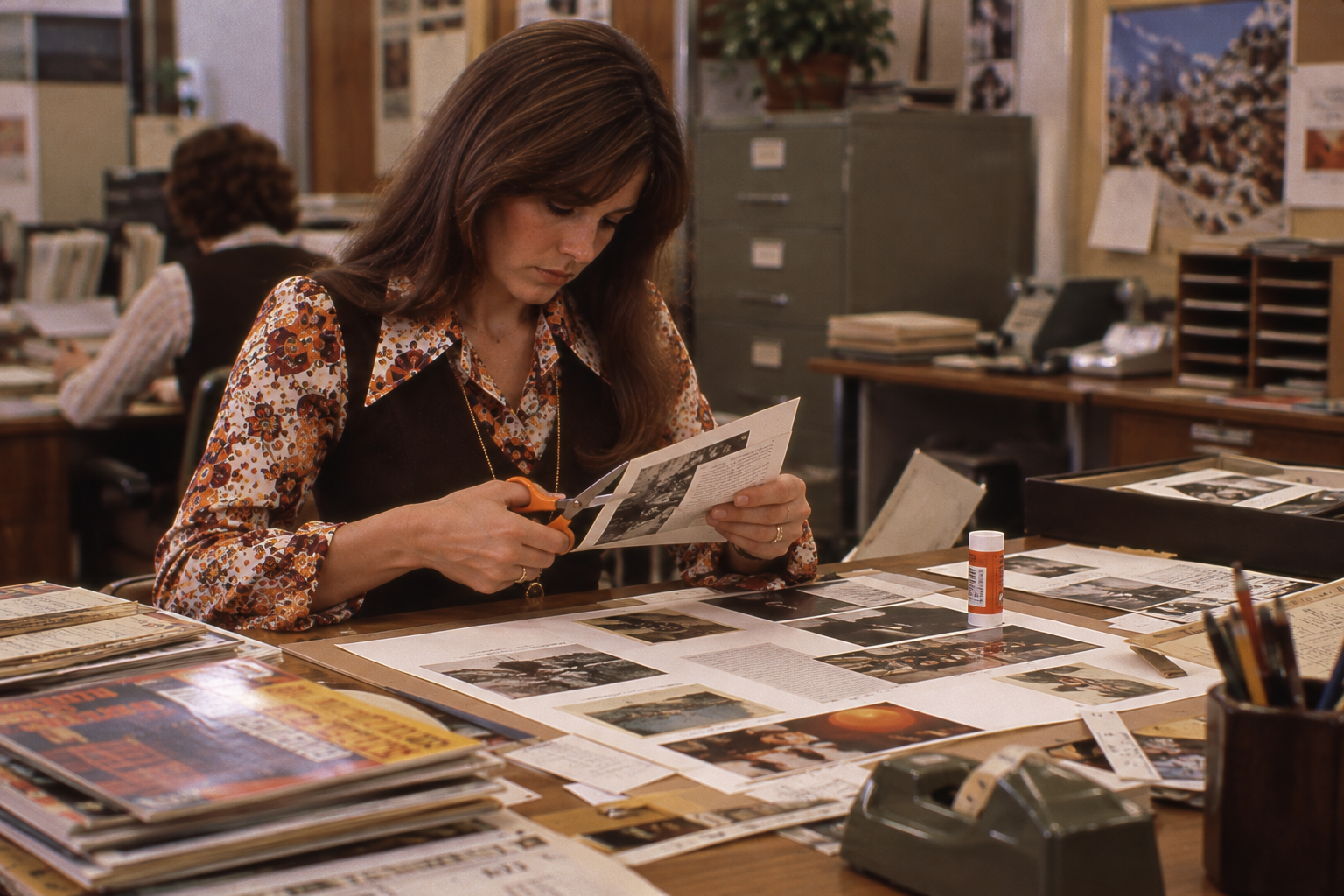
The commands “cut” and “paste” weren’t always things you did with a keyboard shortcut. In offices that prepared newsletters, reports, presentations, and printed materials, workers sometimes had to physically trim sections of text, photographs, or illustrations and arrange them on a page. Scissors, adhesive, rulers, and plenty of patience were part of the process. Making a small change could mean rearranging an entire layout, while a last-minute revision might require starting over. Desktop publishing software eventually turned much of that hands-on work into something anyone could do on a computer. The scissors icon in modern software is a small reminder of where the terminology came from.
Sign up for our newsletter
Addressing and Stuffing Large Mailings by Hand
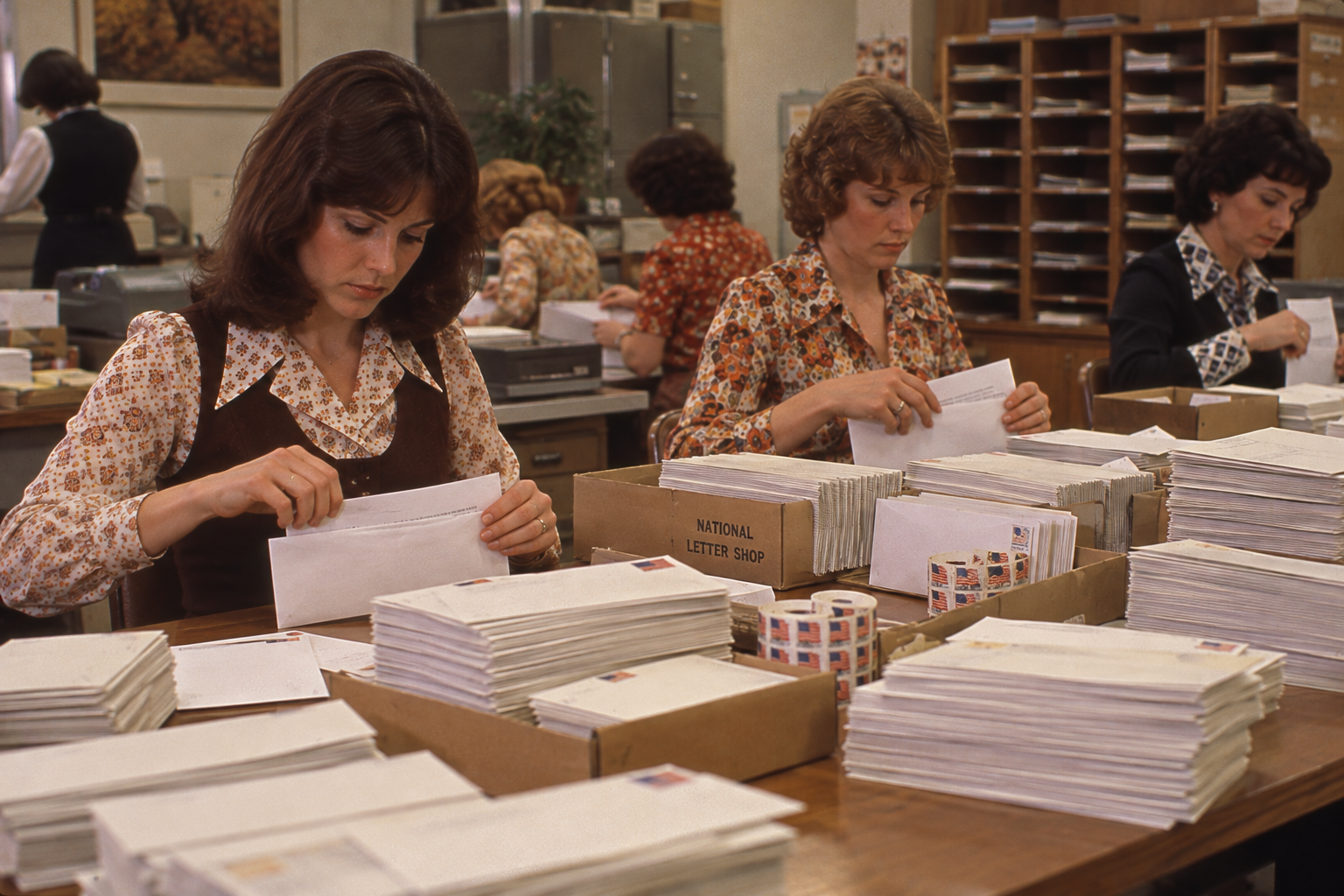
Sending a company newsletter or promotional announcement to hundreds of customers was once a serious undertaking. Someone had to prepare the letters, make copies, fold the pages, stuff the envelopes, apply addresses, and get everything ready for the mail. Larger offices might have dedicated mailroom staff and equipment to help, but the process still involved handling enormous amounts of paper. Imagine sending a message to 1,000 customers and having to prepare 1,000 individual envelopes. Today, email marketing platforms and electronic billing systems can reach the same audience in minutes, without a single paper cut.
Scheduling Meetings With Phone Calls and Paper Calendars
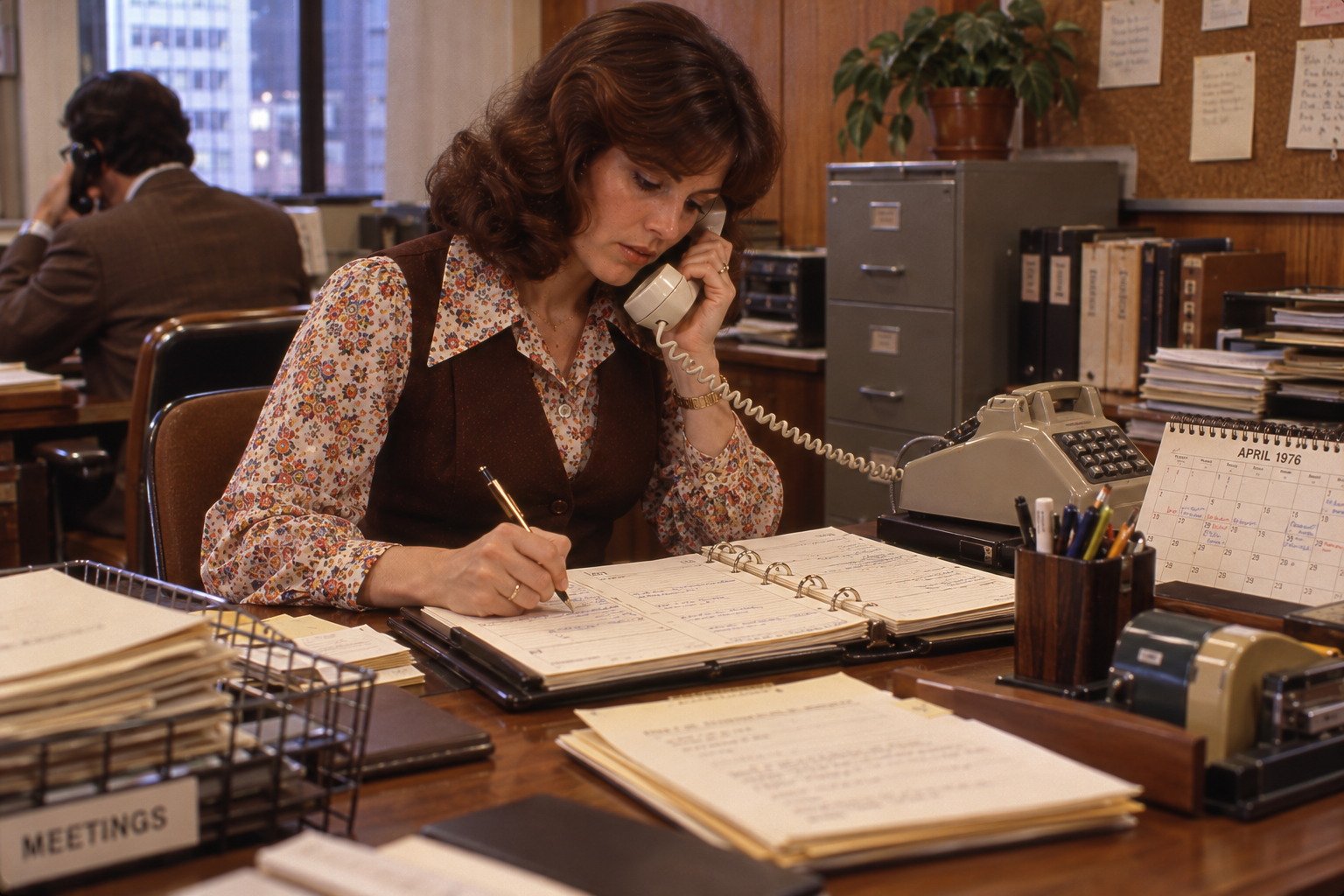
Finding a time when five busy coworkers were available could turn into a small administrative nightmare. Before shared digital calendars, secretaries and administrative assistants often coordinated meetings by checking appointment books, making phone calls, and keeping track of everyone’s changing schedules. If one person couldn’t make the proposed time, the process might have to begin all over again. Paper calendars and desk diaries were essential tools, but they couldn’t automatically tell you when everyone was free. Today, Outlook, Google Calendar, and scheduling apps handle much of that coordination. Of course, getting five people to actually agree on a meeting time is still another story.
Hunting Through File Cabinets for an Old Document
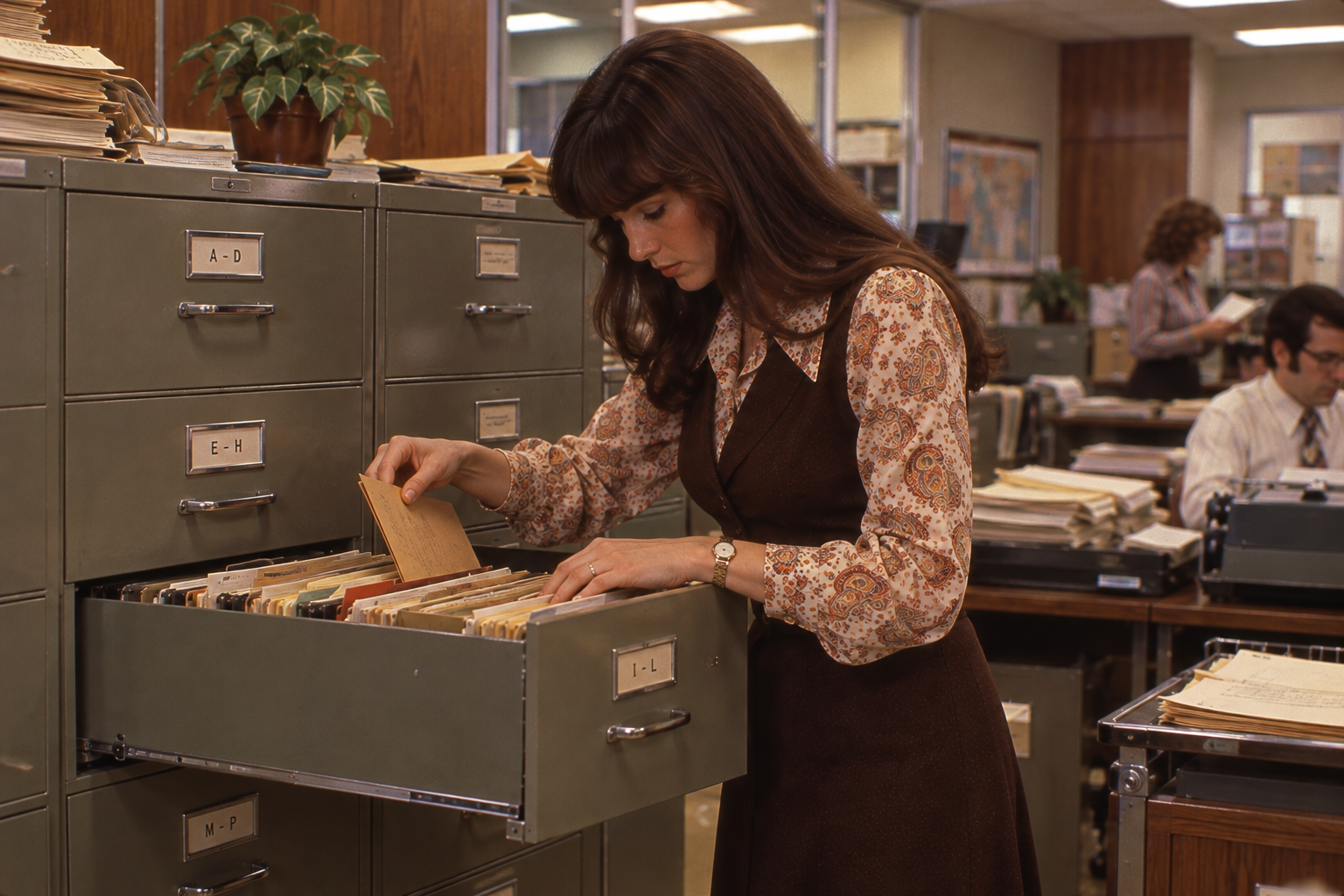
Saving a document was one thing. Finding it six months later was another. Before searchable digital records, retrieving an old invoice, customer letter, or contract could mean opening drawer after drawer and sorting through folders organized by names, dates, or account numbers. If someone had filed the document under the wrong category, the search could take considerably longer. Offices with large archives sometimes maintained elaborate indexing systems just to keep track of everything. Today, a keyword search can locate a document among thousands of files in seconds. In the 1970s, finding the same information might require a good memory, a patient coworker, and a free afternoon.
Walking Documents Around for Signatures
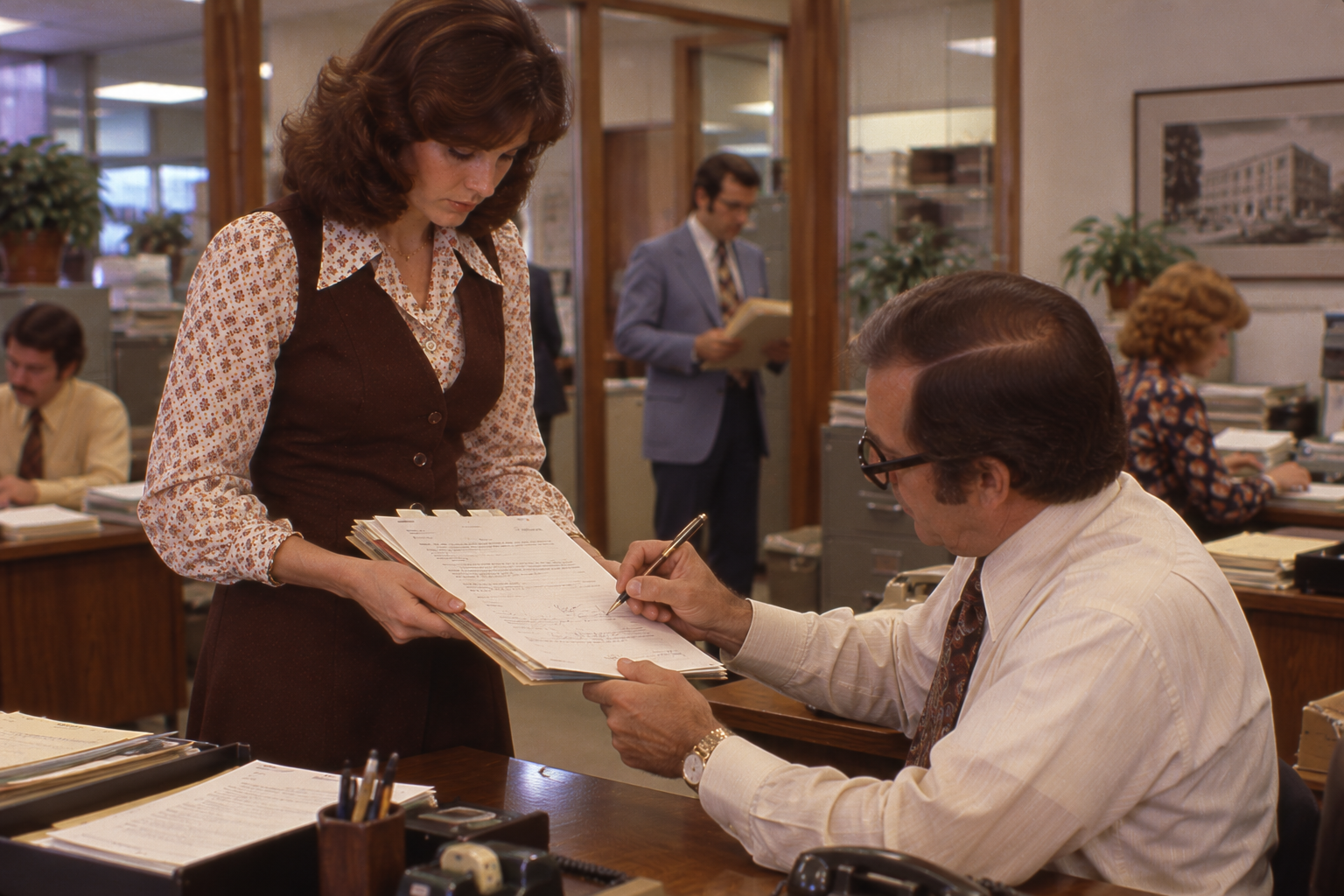
Getting a contract or expense report approved once meant making sure the actual piece of paper reached everyone who needed to sign it. A document might travel between several desks, departments, or even different office buildings before the process was complete. If a manager was away on business, the paperwork could sit untouched until they returned, unless someone arranged to send it by mail or courier. Electronic signatures and digital approval systems have largely eliminated the need for that physical journey. Unfortunately, technology hasn’t made getting approval from three different managers any less bureaucratic. At least the paperwork no longer has to do all the traveling.
The Office Didn’t Just Go Digital — It Lost a Lot of Busywork
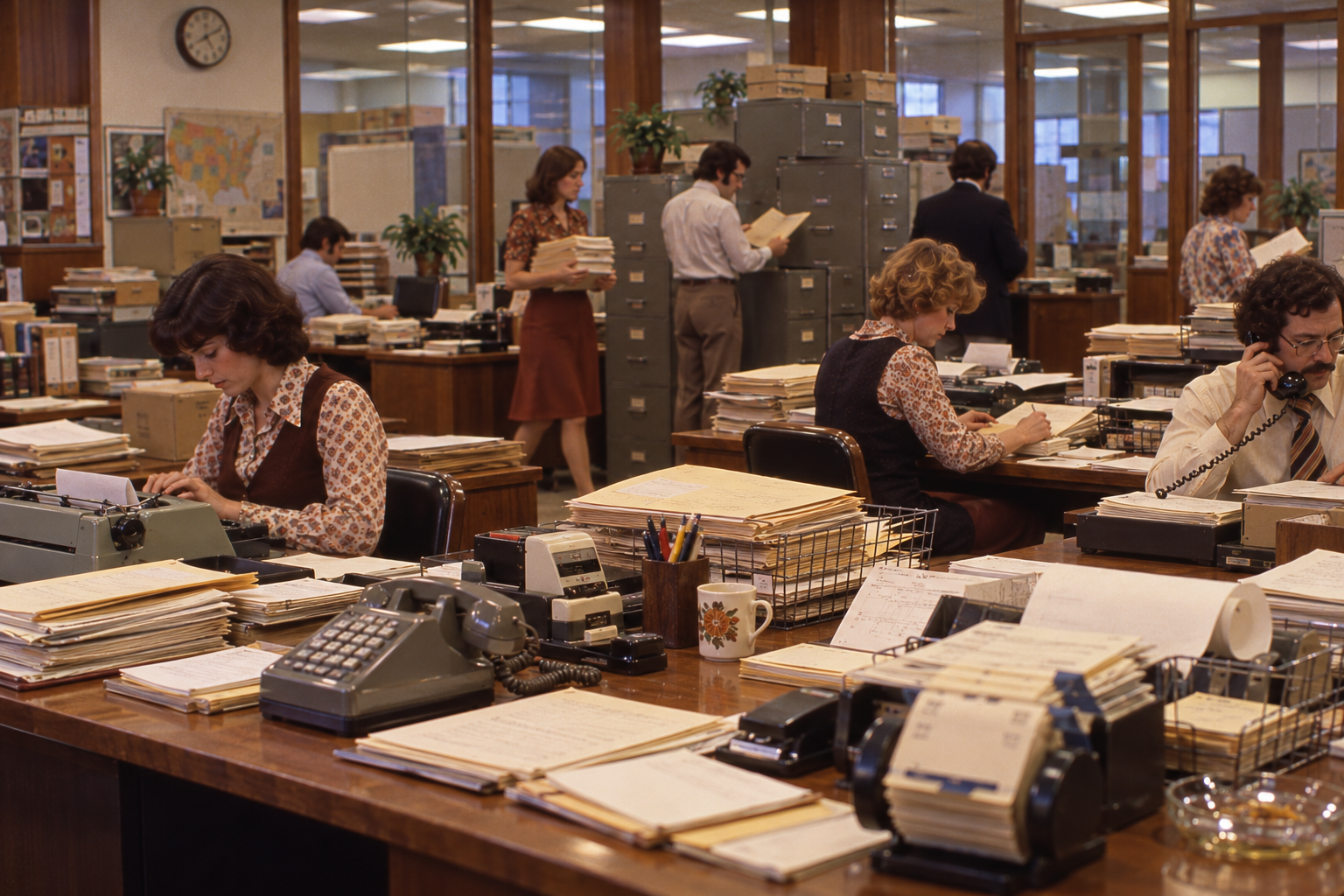
Computers didn’t simply replace typewriters and filing cabinets. They eliminated countless little jobs that once kept American offices running, from making carbon copies and routing memos to searching through drawers and collecting signatures. Many of those tasks were so routine that nobody thought twice about how much time they consumed. And perhaps the funniest part is how much of that old office world still survives in our digital vocabulary. We still talk about files, folders, cutting, pasting, and carbon copies, even though the physical objects behind those words have largely disappeared.