
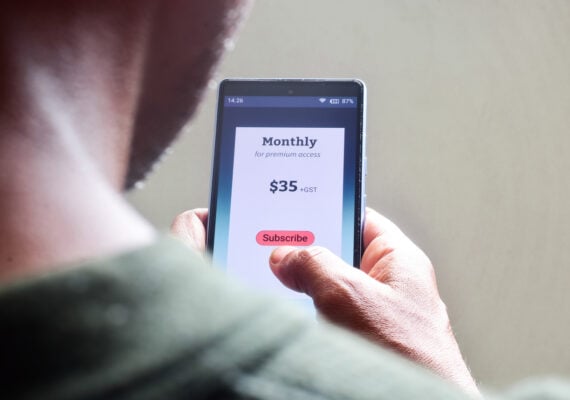
Signing up for a subscription can usually take about 10 seconds. Canceling it? Well, that’s apparently a test of endurance, patience, and basic problem-solving skills. From streaming services for movies, TV shows, and music to apps and digital memberships, companies make it hard to cancel subscriptions by using friction and confusion to keep customers paying longer than they intend. What looks like a simple “Cancel” button often turns into hidden menus, mandatory phone calls, or last-ditch offers designed to make you give up.
The good news is that these tactics aren’t accidental — and once you know what to look for, they’re much easier to beat. Below are 10 sneaky ways companies make it harder to cancel and exactly how you can work around each one so you can end subscriptions quickly, cleanly, and on your own terms.
They Force You To Call Instead of Cancel Online

The trick: Many subscription services — especially cable alternatives, gyms, and some streaming-adjacent bundles — let you sign up online but require a phone call to cancel. The call often means long hold times, limited business hours, and a customer service rep trained to keep you subscribed.
How to beat it: Call during off-peak hours (early morning tends to work best) and clearly say you’re calling to cancel. Repeat your request if they push back, and ask for a cancellation confirmation number or email before hanging up.
They Bury the Cancel Button in Account Settings
The trick: Streaming services for movies and TV often tuck cancellation options behind multiple menus like “Account,” “Plans,” or “Billing,” hoping you’ll give up before finding the right page.
How to beat it: Log in on a desktop instead of mobile — full account options are usually easier to find. Use the help center search and type “cancel subscription” to jump straight to the correct page.
They Make You Go Through a Chatbot First
The trick: Music and video streaming platforms increasingly route cancellation requests through automated chat systems that loop you through troubleshooting steps or FAQs.
How to beat it: Type direct phrases like “cancel subscription,” “billing issue,” or “talk to an agent.” Many bots are programmed to escalate after repeated requests.
They Require a Reason (or a Survey) Before Canceling

The trick: Before you can cancel, you’re asked to explain why — sometimes with multiple required questions — slowing the process and introducing friction.
How to beat it: Pick the fastest option, such as “too expensive” or “not using it enough.” You don’t owe the company detailed feedback just to cancel.
They Warn You About Losing Access Immediately
The trick: Streaming services may imply that canceling means losing access right away, even if you’ve already paid for the month. This can scare users into keeping the subscription longer.
How to beat it: Cancel anyway — most services let you keep access until the end of the billing cycle. Check the confirmation page to verify your end date.
Trending on Cheapism


They Push Pausing or Downgrading Instead
The trick: Instead of canceling, you’re offered a “pause,” cheaper plan, or ad-supported tier — a common tactic among TV and music streaming platforms.
How to beat it: If you’re sure you want out, skip the alternatives and look for language that says “Cancel subscription” or “End membership.”
They Claim You Signed up Through a Third Party
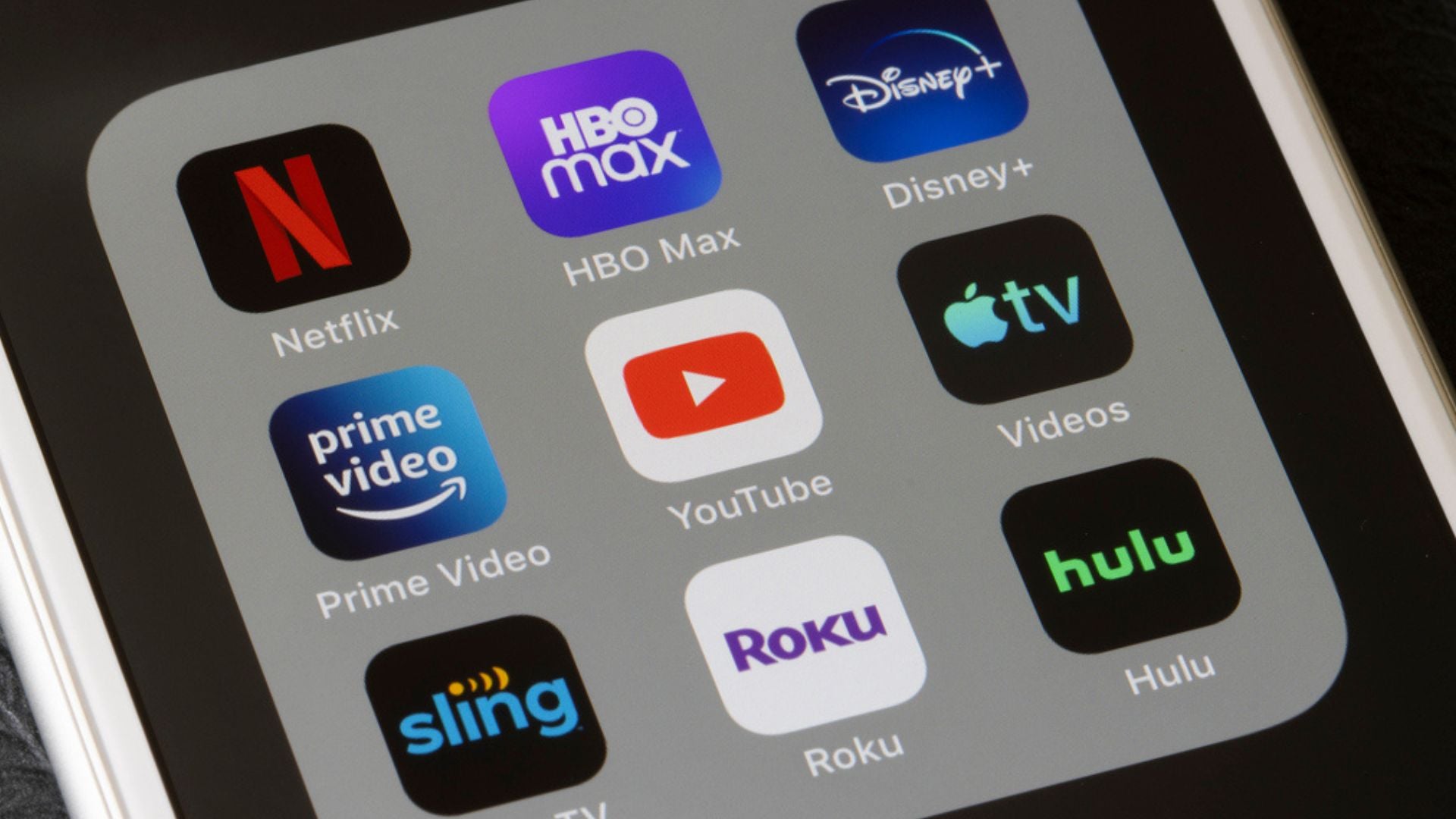
The trick: Services shift responsibility by saying you must cancel through Apple, Google Play, Roku, or Amazon if you signed up via an app.
How to beat it: Check your subscription list in your app store or device settings. Canceling there usually takes seconds once you find it.
They Require Written Notice to Cancel
The trick: Some companies still require cancellation by email or contact form, which slows things down and creates room for delays.
How to beat it: Send the request as soon as possible and save a copy. If they drag their feet, follow up and reference the original message.
Sign up for our newsletter
They Keep Charging After You Cancel
The trick: Even after you think you’re done, charges continue — often blamed on a “system error.” This happens more than you’d expect with digital subscriptions.
How to beat it: Save cancellation confirmations and screenshots. If charges persist, contact customer support — and dispute the charge with your bank if needed.
They Rely on Free Trials Auto-Renewing
The trick: Free trials for streaming services quietly roll into paid plans, counting on you to forget before the deadline.
How to beat it: Cancel immediately after signing up — you’ll usually keep access through the trial period anyway. If not, set a calendar reminder a few days before renewal.
More From Cheapism
- 16 Times Cash Wins Over Credit Cards (Yes, Even Now) — From tipping and small purchases to travel and negotiating, these are the everyday moments when paying with cash can help you avoid fees, control spending, and even score better deals.
- $1,000 Monthly Car Payments Are Becoming the Norm, and We’re Not OK — A growing share of drivers are stuck with four-figure monthly payments thanks to higher prices and longer loans, turning a basic necessity into a budget-crushing expense.
- 13 Purchases That Feel Like a Bad Deal No Matter Where You Shop — Even with sales and comparison shopping, these common buys still feel overpriced (hello, printer ink and airport food) because the value never seems to match the sting of the receipt.